
AgentUX
Design for the agent doing the work.
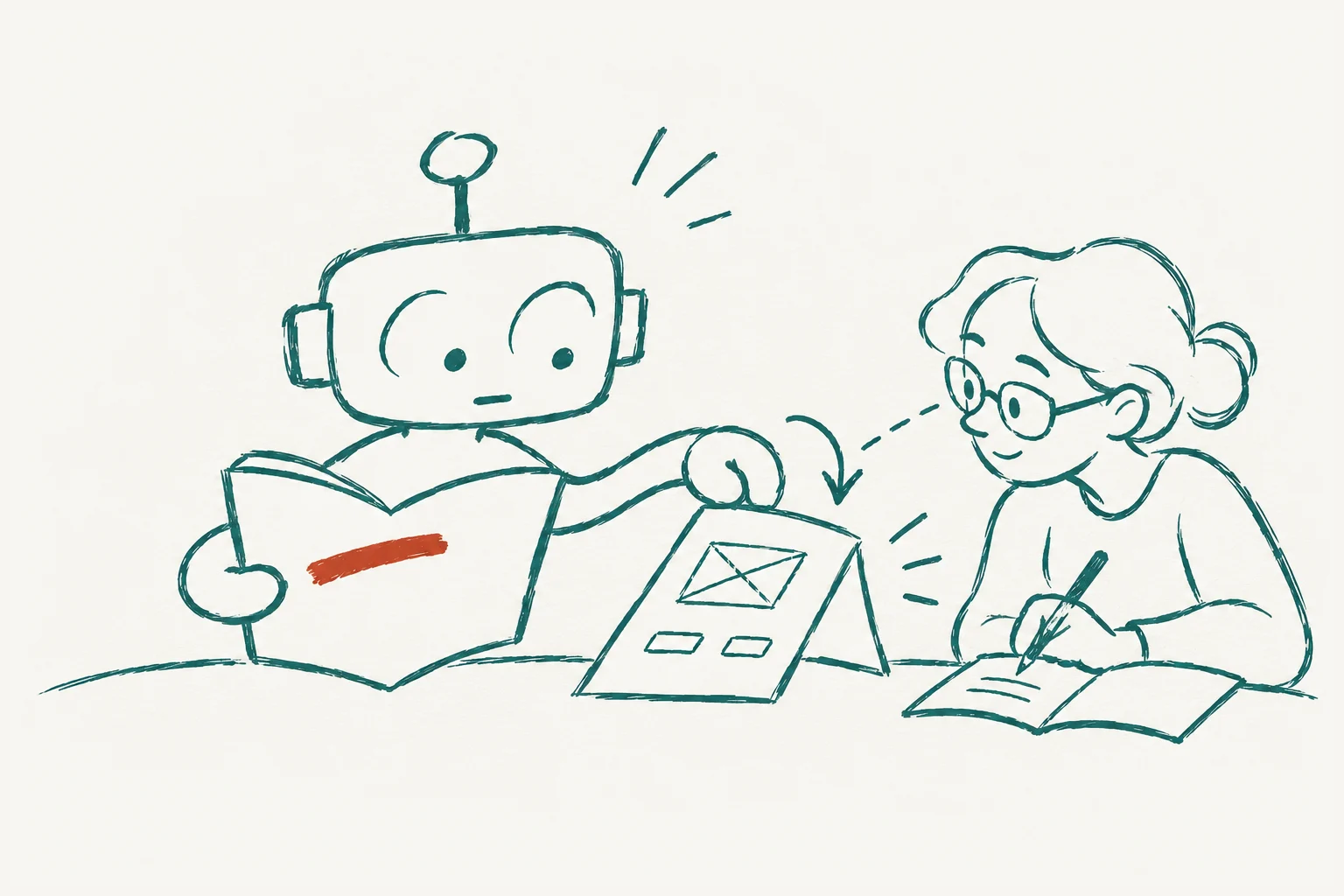
An agent is a user of your software. Give it a task and watch which tool it reaches for, which instruction it misses and what it does when a call fails. That’s where we start designing its experience.
A few AgentUX best practices
Use context smartly
Start with a small context. Let the agent pull new evidence into context as the task changes, and repeat a constraint at a point where it matters. Test your assumptions about attention across representative tasks and rerun those tests regularly. Changing even a few words in a tool description can change which tool a model calls and the result it produces.
Aggressively weed out contradictions
Read the system prompt, tool setup and latest project decisions together. An instruction that made sense at kickoff can contradict what the team agreed yesterday. Remove stale instructions. Where a conflict is unavoidable, tell the agent which source governs the decision and how to ask for a ruling if the conflict is still unresolved.
Make determinism easy
Give the agent a deterministic helper for an exact calculation, a validator for a data contract or a linter for a code convention. Make their use part of the tool or workflow. If a calculated amount matters, require the helper’s result before accepting the amount.
Give robust feedback when crafting guardrails
When a guardrail denies an action, tell the agent why and what it can do to correct course. If the agent tries to confirm a refund too soon, the guardrail could say, “The payment system still shows this refund as pending. Tell the customer it’s pending and wait for confirmation before calling it complete.”
Ask many models for feedback when testing a feature
Run a contextual inquiry with several models, just as you would with people. Give each a task in the product and watch it use the tools. When a model chooses an unexpected tool, ask what it expected to get back. Compare its answer with the actual call, then see where the other models had a different experience.
Give an agent the AgentUX role during design
When designing a feature for agents, put an agent on the design team. Have it walk through the proposed interface from a fresh session, identify the context a future agent would need, and propose changes to the tool names, inputs and responses while the design is still open.
How we apply AgentUX at Manual.
In Manual Core, an agent can start with little context and follow a process graph to find the evidence it needs. If a guardrail blocks an action, Core explains why and what the agent can do next. The agent can then correct course and finish the task on its own.
Explore Manual CoreIndex is harness engineering for everyone. An agent joining a project can find the team’s workflow, read the latest checkpoint and pick up a ready task. It can ask a teammate to review the result in the same project.
Explore Index